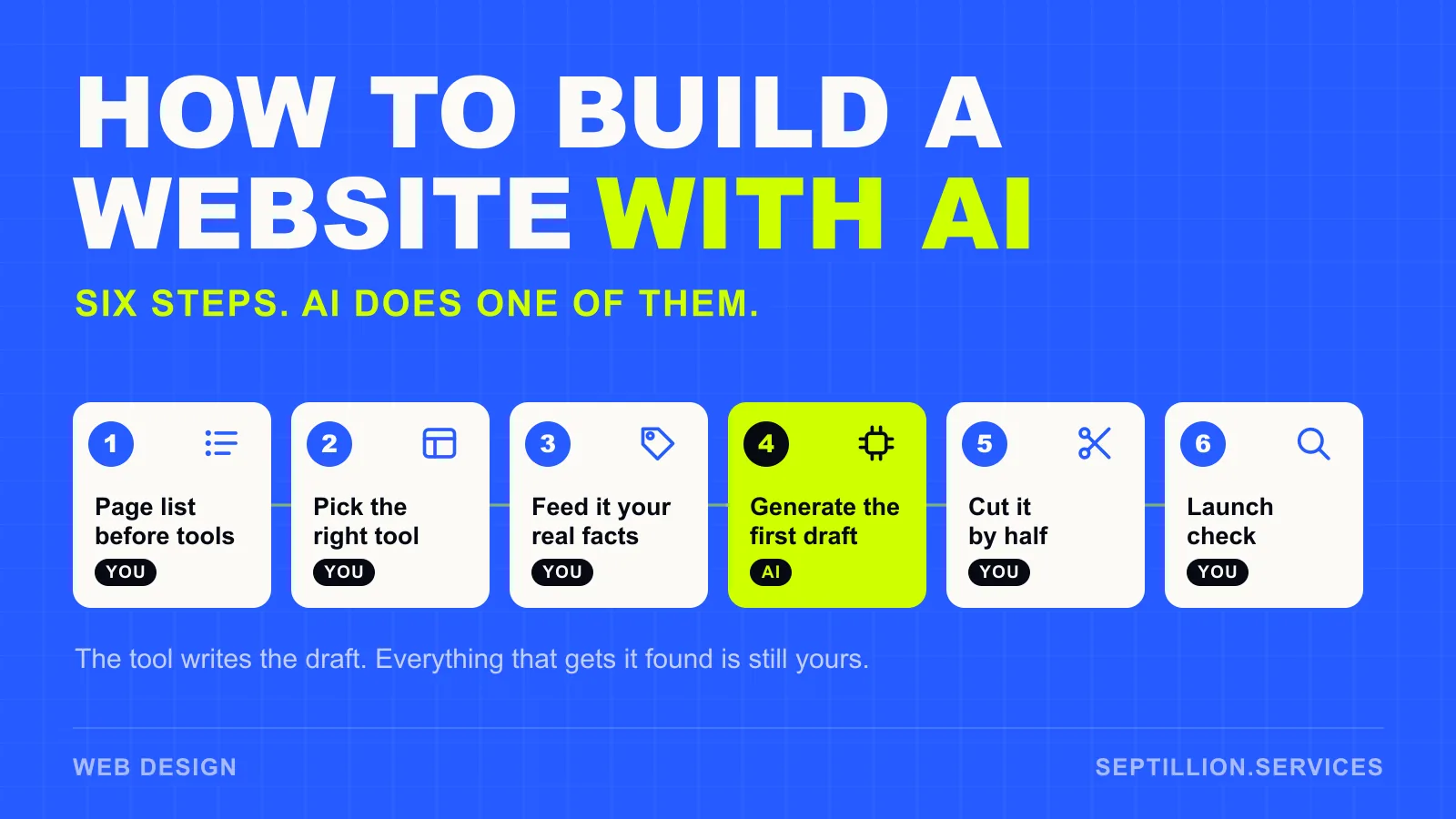
Quick answer: AI will get a website built faster than any other route — a working layout and a first draft of every page in an afternoon. What it won't do is decide what the site is for, supply the facts only you have, or notice it has written four hundred words where forty would do. The six steps below are in order, and AI leads exactly one of them.
What AI genuinely builds well
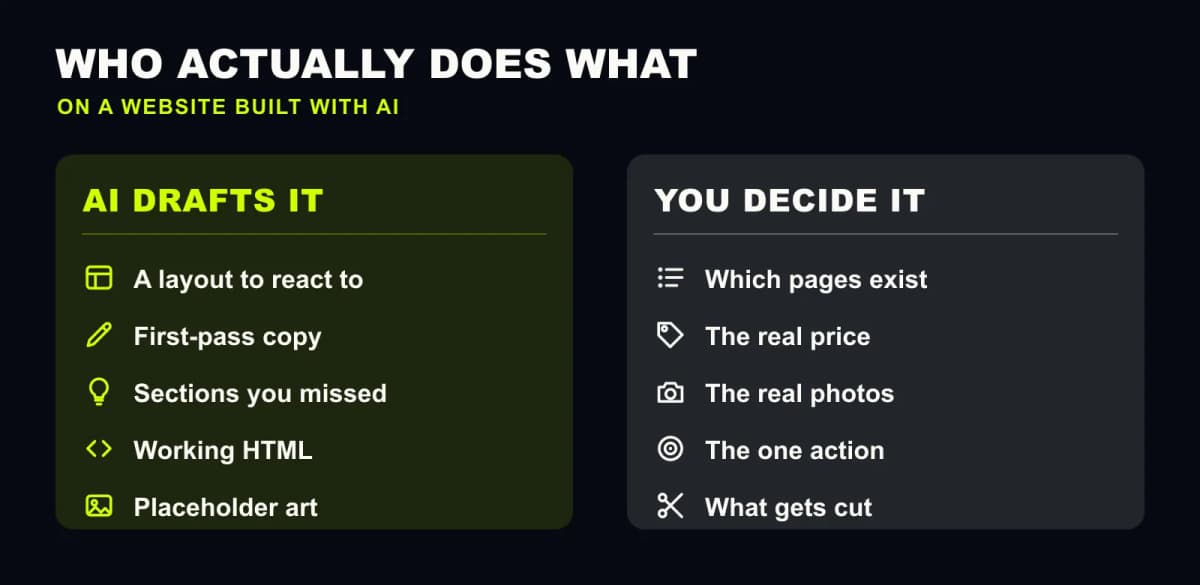
Three things, reliably. A layout you can react to, which is far easier than starting at a blank page. A first pass at the copy for every section. And structure — sections you wouldn't have thought to include, in an order that mostly makes sense.
That's a real head start. It is also the whole of it.
Step 1: Write the page list before you open a tool
Not a prompt. A list. For most service businesses it's five pages: home, what you do, who you've done it for, where you work, and how to reach you.
Deciding this first is the difference between a website and a pile of pages. A generator asked to "build a site for a plumber" will invent a page list for you, and you'll spend longer arguing with it than you would have spent writing one.
Step 2: Pick the tool that matches the job
There are three categories, and they're not interchangeable.
| Tool type | What it's for | What you get | Where it stops |
|---|---|---|---|
| AI site builders | The whole site, end to end | A hosted, live site from a description | Locked to that platform; generic structure |
| AI writing and image tools | Copy and visuals, piece by piece | Drafts you paste anywhere | Nothing is built; you still need somewhere to put it |
| AI coding assistants | A site you own the code of | Real HTML you can host anywhere | You need to be able to read what it wrote |
Most small business owners want the first. Most people who already have a site want the second. The third is only worth it if the code being yours actually matters to you.
Step 3: Feed it the facts it can't invent
A generated site reads generic because the prompt was generic. Before generating anything, write down:
- Your actual prices, or the range
- The towns and postcodes you cover
- What you don't do — the jobs you turn down
- The three questions customers ask before booking
- One sentence on why someone picks you over the firm down the road
That last one is the only thing on the list no tool can guess. It's also the line the whole site hangs off.
Step 4: Generate the first draft — and stop there
This is AI's step. Generate the whole thing, all pages at once, and resist the urge to start polishing inside the tool.
Two things go wrong here. People accept the first output because it looks finished — it has the shape of a website, so the brain reads it as one. And people re-prompt fifteen times chasing a version that needs no editing, which doesn't exist. Take the third or fourth draft and move on.
Step 5: Cut it by half
AI writes long. Every time.
Go through each page and delete. A feature gets a three-word qualifier, not a sentence. A step in a process gets a fragment. If a section can't be understood in a two-second glance, it's still too long. Almost nothing you cut will be missed, and the page reads faster afterwards — which is the only thing a visitor deciding whether to call actually cares about.
While you're in there, replace every generated photograph with a real one. A phone photo of your actual van, shop or finished job beats a rendered scene every time, and it's the one thing on the page a local customer can tell apart instantly.
Step 6: Run the pre-launch check
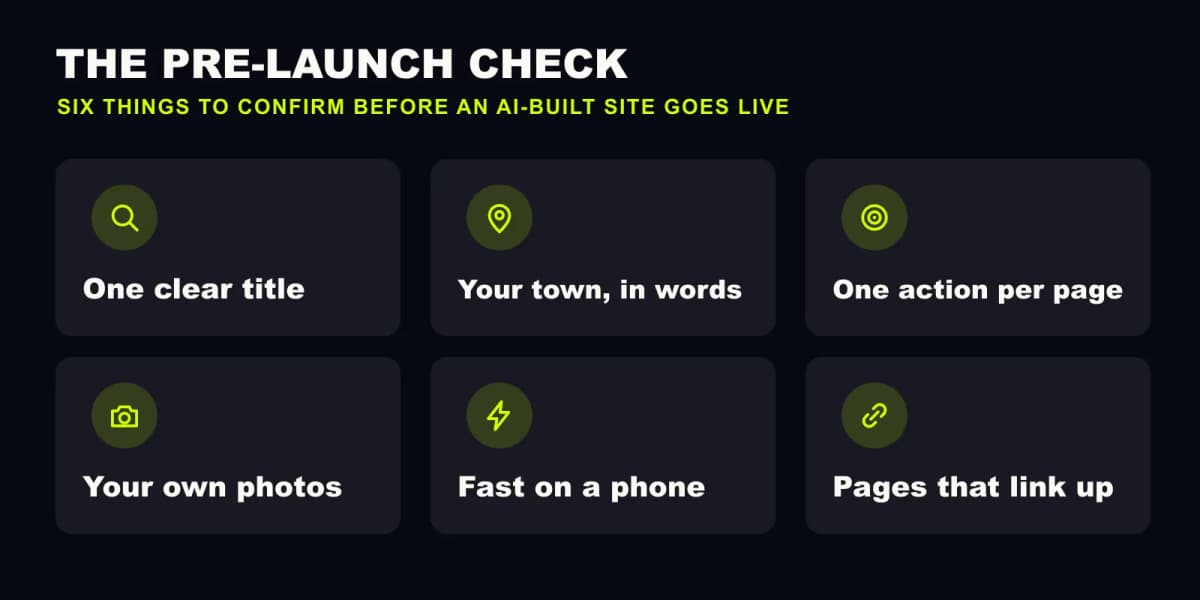
Six things. None of them take long, and a generated site fails most of them by default.
- One clear title — under 60 characters, saying what you do and where
- Your town, in words — on the page itself, not only in the footer
- One action per page — call, book or quote; pick one and repeat it
- Your own photos — a real van, a real shop, a real finished job
- Fast on a phone — compressed images, no autoplay video, no unused fonts
- Pages that link up — everything reachable in two clicks from the homepage
When an AI-built site is genuinely enough
If you need somewhere to point people who already know your name — a one-page site with your services, your area and a phone number — AI will do it, and paying someone to do it for you is hard to justify.
When it isn't
If the website is meant to find you customers rather than confirm you exist, the generating was never the hard part. Being found in your town, being chosen over the firm above you in the results, and still being accurate eighteen months from now are all work that happens after the draft. That's the argument laid out in full in building a small business website with AI — what works and what quietly breaks, and the same line we draw around using AI for a small business brand: AI generates the draft, a person is accountable for what ships.
Worth knowing what the alternatives cost before you decide — what a small UK business actually pays for a website in 2026 puts real numbers on each route.
We take the other approach: we build it, write it and keep it updated every month, for one flat monthly rate. Book a call if you'd rather talk it through — you'll speak to the person who'd actually build the site.