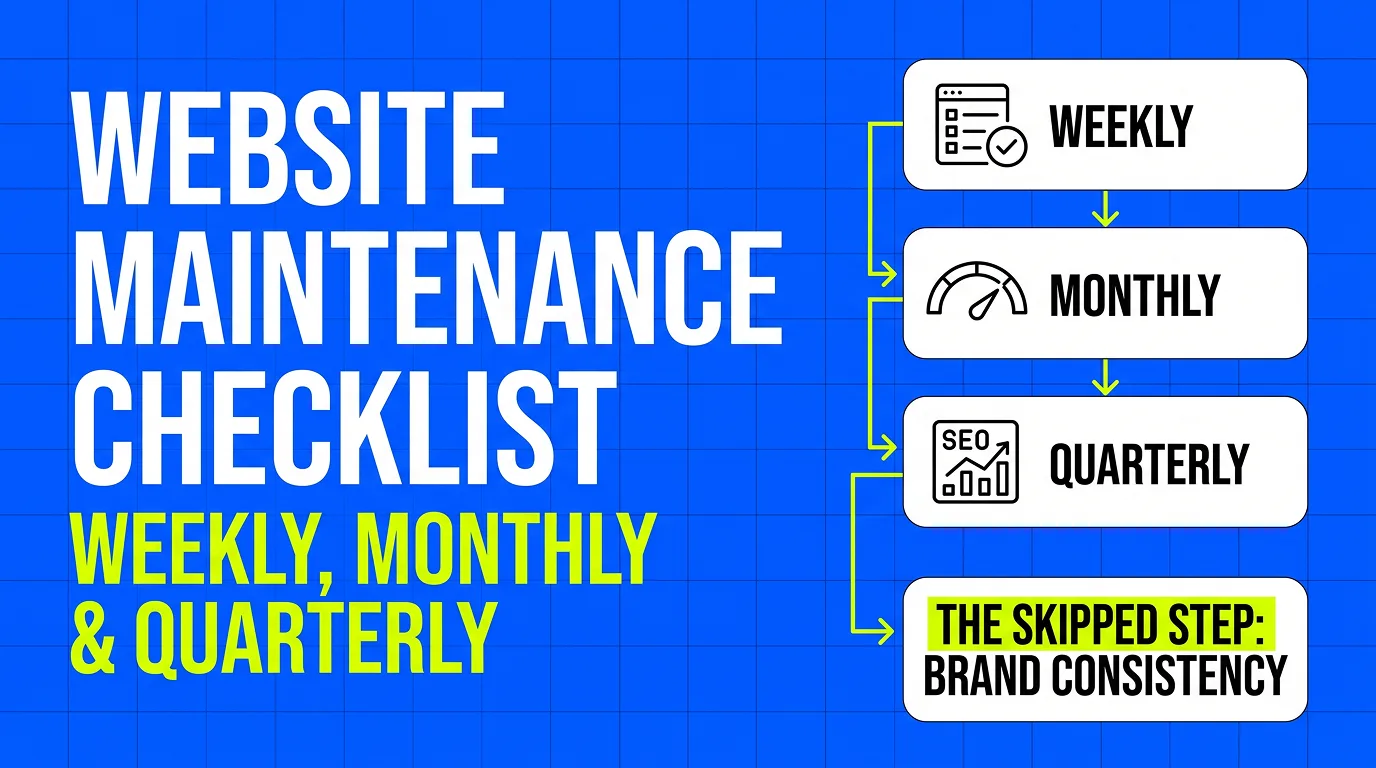
Quick answer: run a 10-minute functional check weekly, publish or refresh something monthly, and do a deeper content and SEO pass quarterly. Monthly is the practical floor — both search engines and visitors respond to a site that is still being worked on rather than one frozen at launch.
How often should you update your website for SEO?
Monthly, at minimum, and it matters less what you change than that something changes. A new post, an updated service page, a refreshed case study — all of it signals a site still being maintained. The weekly and quarterly checks below protect what that monthly work earns: a broken form or an expired certificate undoes a year of publishing.
How often should a business website be updated?
The cadence is the same whatever the business, but the trigger is not. Anything customer-facing that changes in real life — prices, opening hours, services, staff — should be updated the week it changes, not at the next scheduled pass. Everything else fits the schedule below.
Why This Actually Matters
A website doesn't fail all at once. It fails one broken form, one outdated price, one six-month-old blog post at a time — and by the time it's obviously stale, you've likely already lost search rankings and a few customers who bounced off a page that didn't load right. Maintenance isn't glamorous, but it's the difference between a site that keeps earning its keep and one that quietly turns into a liability.
Weekly: The 10-Minute Check
This doesn't need to take long, but it needs to actually happen.
- Test your main forms — contact, quote request, booking. A broken form can sit unnoticed for weeks and cost you every lead that tried to use it.
- Click your primary CTA buttons — "Book Now," "Get a Quote," whatever converts. Confirm they still go where they should.
- Check for obvious errors — broken images, layout issues on mobile, anything that looks visibly wrong.
Monthly: What Actually Moves the Needle
This is where SEO and content live, and where most small business sites fall behind.
- Check Google Search Console for crawl errors, indexing issues, and which pages are actually getting impressions and clicks.
- Run a broken-link check. Links rot — vendors close pages, partners redesign their sites, and every dead link is a small trust signal lost.
- Publish or update something. A new blog post, an updated case study, a refreshed service page — search engines and visitors both notice a site that's still being worked on versus one that's frozen in time.
- Check page speed with a tool like PageSpeed Insights. A site that's crept from a 2-second load to a 5-second load is losing visitors before they see anything.
- Confirm your backups are actually running, not just configured to run.
Quarterly: The Deeper Pass
Less frequent, but skip these and problems compound.
- Full SEO audit — are you still ranking for the keywords that matter, and has a competitor started outranking you?
- Review analytics trends, not just the current month — where is traffic actually coming from, and is it changing?
- Refresh outdated content — old pricing, discontinued services, team members who've moved on.
- Recheck mobile responsiveness on a couple of real devices, not just a browser resize. Design systems drift.
- Confirm your SSL certificate and domain registration aren't quietly approaching expiry.
The Maintenance Task Almost Everyone Skips
Most maintenance checklists stop at "is it technically working." The one that gets missed almost everywhere: does the website still look like the same business as your social media?
Branding drifts. You update your Instagram aesthetic, refresh your logo, shift your tone — and the website sits exactly as it was the day it launched. Six months later, someone finds you on social, clicks through to the site, and it doesn't feel like the same business. That mismatch costs trust in a way that's hard to measure and easy to ignore, which is exactly why it rarely makes it onto a maintenance checklist.
DIY Maintenance vs. Having It Handled
Everything above is doable yourself if you're willing to actually keep the schedule — most owners start strong and taper off within a couple of months, not from lack of discipline but because it competes with running the business itself. That's the specific gap our subscription is built to close: monthly updates and issue fixes, monthly reporting on traffic and what needs attention, Search Console set up and actually watched, and the website kept visually consistent with your social presence — all included, not billed as extras when something needs attention.
It also changes the shape of what you pay. A website bought once is a single invoice and then a slow decline as nobody is responsible for the schedule above; paying monthly with nothing upfront keeps someone accountable for it every month the site is live.
The Bottom Line
A website is not a one-time purchase — it's closer to a vehicle that needs regular servicing to keep performing. Weekly checks catch what's broken, monthly checks keep you visible, and quarterly checks catch what's quietly drifting. If you'd rather not run this checklist yourself every month, it's exactly what's included in our website subscription — no separate maintenance invoices, just one plan that keeps the site working after it launches. Start a free trial and we'll show you the site before anything is paid.